
Chapter 8 / 30 · Plans and payments
Top up your balance and verify payment
A top-up adds prepaid credit. You then confirm your plan separately. Offered methods depend on the provider’s availability for your request.
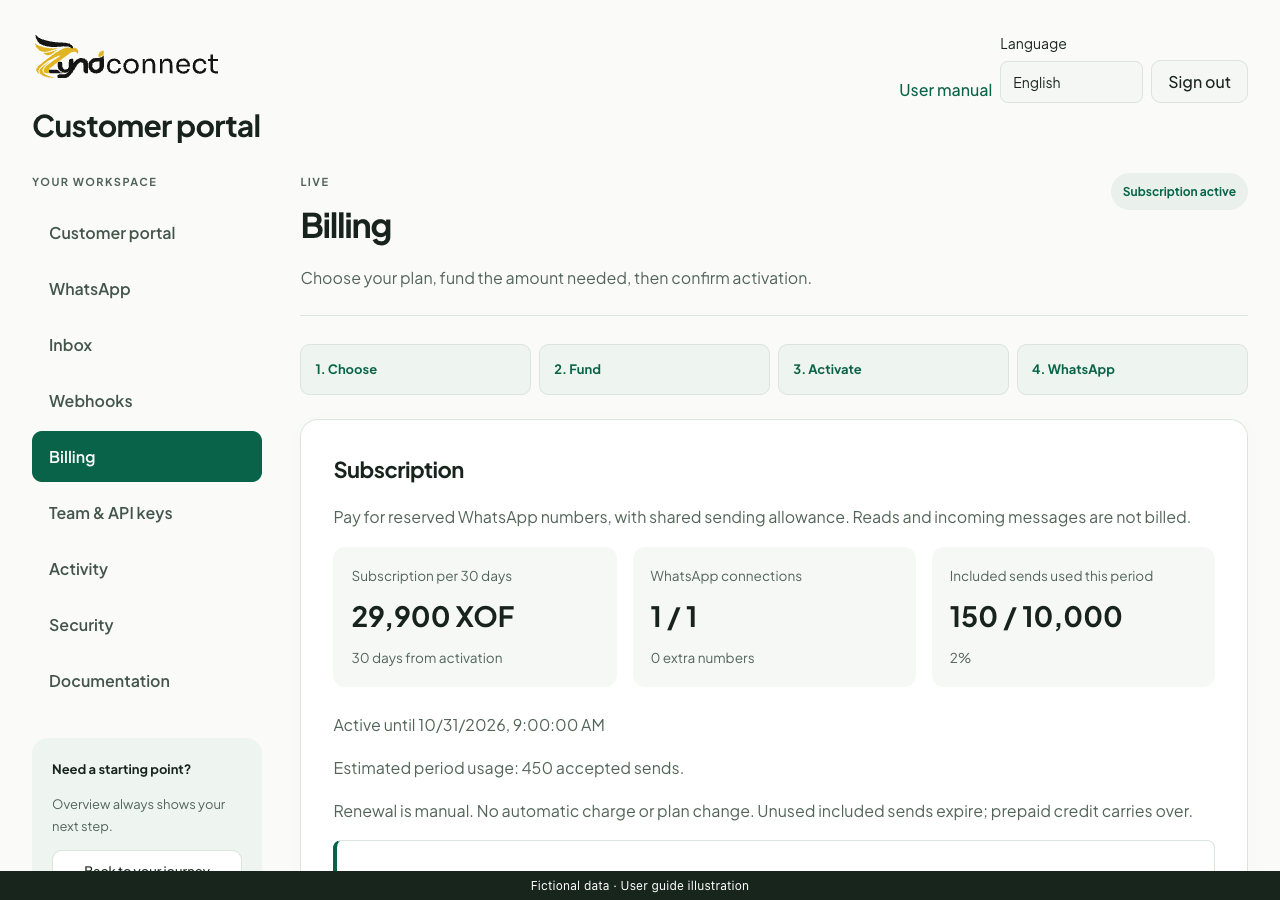
Prepare and pay a top-up
- In Billing, use Continue to payment from your quote or open Payments.
- Check the amount. A top-up must be a whole number between 1,000 and 1,000,000 XOF. If the shortfall is below 1,000 XOF, remaining credit stays in your balance after activation.
- Read the payment terms and tick acceptance. Prepare the link with Continue to payment.
- Check the amount again and open Pay with the payment provider. The secure page opens in another tab.
- Choose only a method actually offered on that page and follow its instructions. Portal indicators for card, mobile money or crypto do not guarantee availability for every payment.
- Return to the portal. It checks payment when you return to the tab; you can also choose I have paid, check confirmation.
- Wait for Paid and the credited balance. If the top-up funds your plan, select Continue to activation.
You paid but the status remains pending
Confirmation may take a moment. Check the same request, amount and identifier. Do not pay a second time just because the portal still says Pending.
In Payment history, View this payment retrieves a pending request. The portal checks its state before reopening the secure link. A closed link cannot accept a new payment.
To abandon a request, choose Cancel payment and read the confirmation. Cancellation does not prove that an already-made payment will be refunded. Check the final state.
When payments are unavailable
If the portal says payments are temporarily unavailable, it does not offer a new top-up link. History, verification and refund requests are separate.
You can compare plans and activate only if existing credit covers the quote. Without enough credit, wait for service to return or contact support. Do not try an old link outside the offered journey.